Running a competition
When it's time to run a competition, go to the meeting and select the competition.
- Make sure you have the last version of the startlist by clicking Update startlist from source.
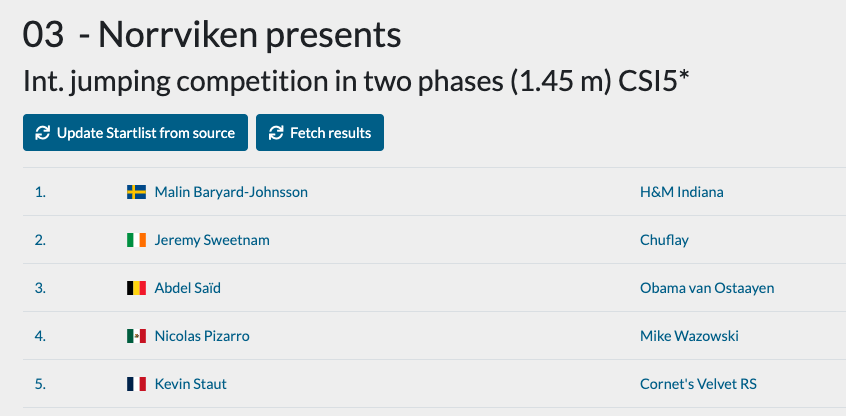
- Select the first start in the competition.
- You will now be presented with information from the startlist (loaded from the result provider) combined with your own notes and also results from FEI (sometimes also national results) and results from the current show.
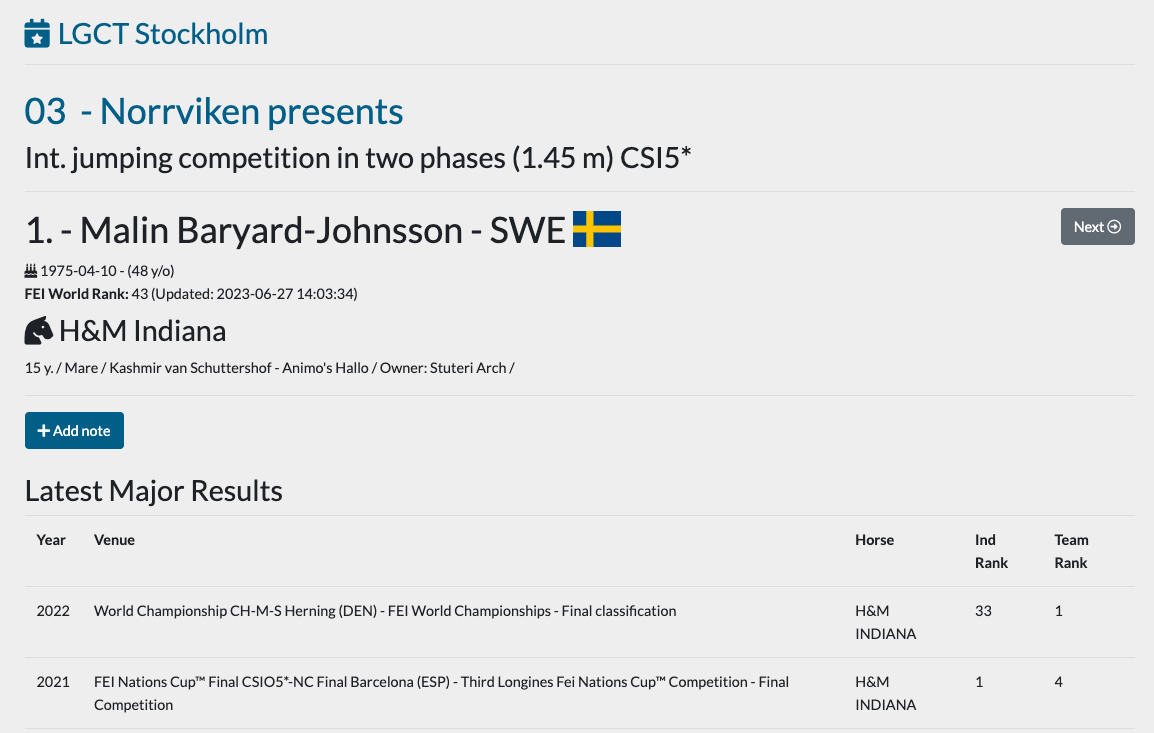
Results and results from the current show can be filtered so that only relevant results will be displayed here. Filtering will be remembered until you change them.
-
From this view you can now click Next/Previous in the upper right corner to walk through the startlist.
-
That's it, happy announcing!